


I still remember the moment my hard drive pushed me over edge. Loading into a Warzone match, squad already dropping in and I’m just sitting there watching a loading bar crawl like it’s got nowhere to be. By the time I landed half my team was dead and someone was already typing “where were you.” That was the day I caved and bought my first SSD.
Honestly I felt kind of dumb for waiting so long to figure that out. The difference was not subtle — it was night and day like switching from dial up internet to fiber. But I also know not everyone wants to just take my word for it, especially if budget is tight or you’re not sure it’s actually worth the upgrade. So let’s break this down properly.
What’s the Real Difference Between SSD and HDD?
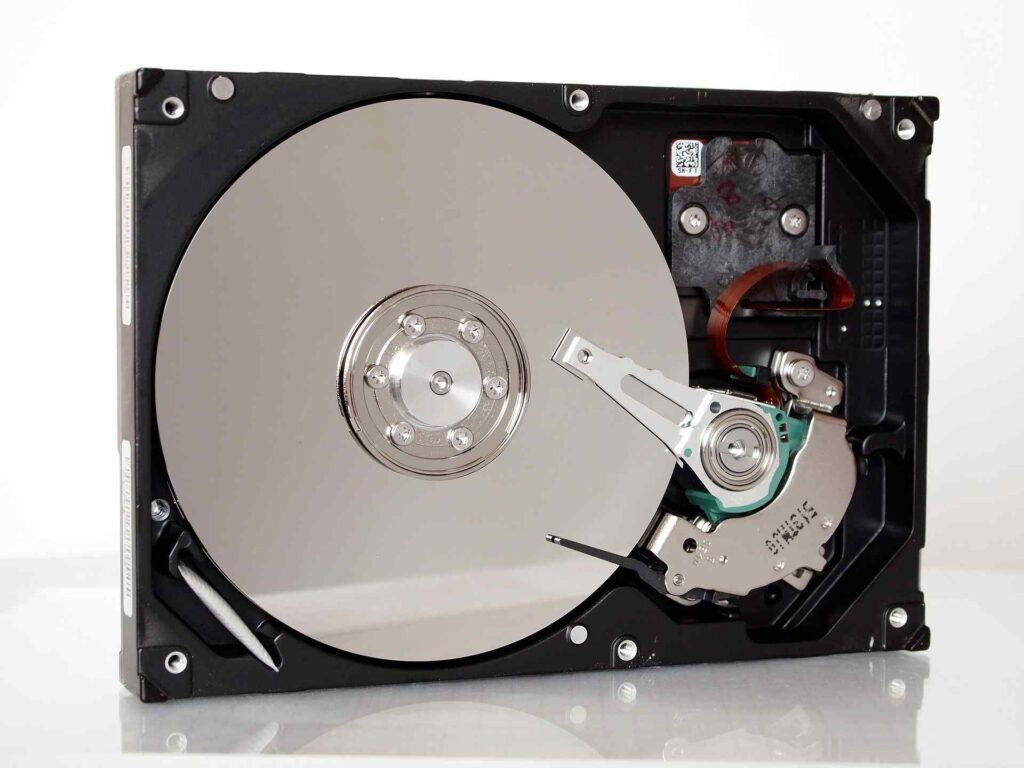
Let’s start with the basics, since not everyone’s as into hardware specs as I am. An HDD (Hard Disk Drive) is the old school storage tech. It has a spinning magnetic disk inside and mechanical arm physically moves around to read and write data. Think of it like tiny record player working.
An SSD (Solid State Drive) has no moving part. It stores data on flash memory chips kind of like a much bigger and faster version of a USB drive. There’s nothing to physically spin or move, which is a huge reason why it performs so differently.
This mechanical vs. electronic difference is really the root of everything else we’re about to talk about — speed, noise, heat, durability, all of it traces back to this one core distinction.
How Each One Affects Your Actual Gaming Experience

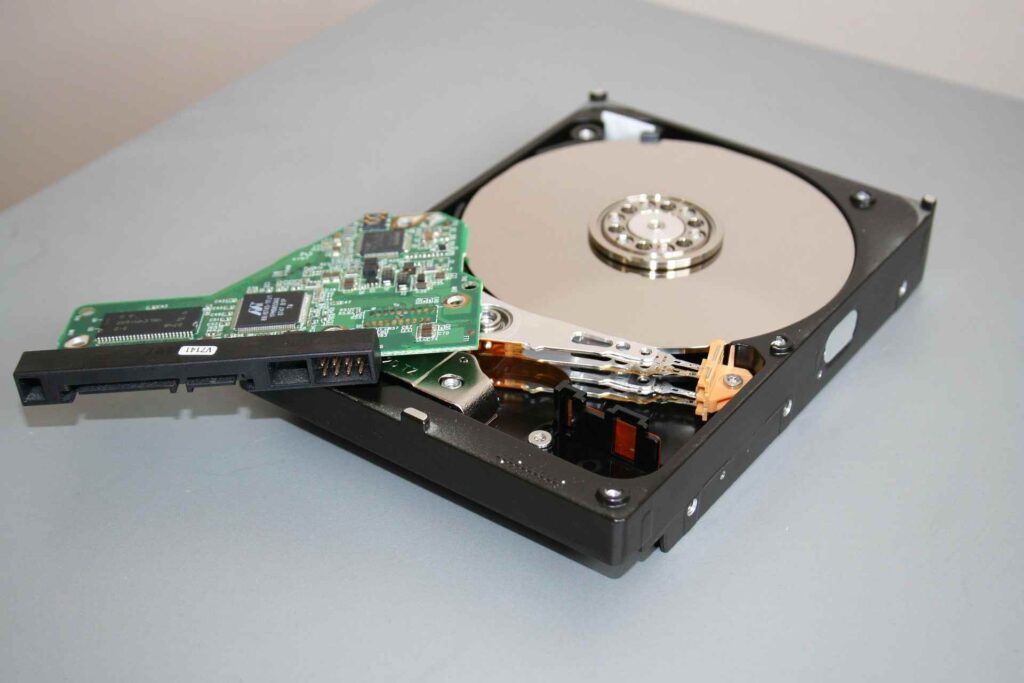
Here’s where it gets real for gamers specifically, because on paper, storage specs can feel pretty abstract until you actually feel the impact during gameplay.
With an HDD, you’ll notice:
- Longer loading screens between levels or matches
- Slower game and OS boot times
- Occasional stuttering in open-world games with lots of streaming assets
- A faint whirring or clicking sound during heavy read/write activity
With an SSD, you’ll notice:
- Games launch in seconds instead of minutes
- Faster respawns in multiplayer shooters
- Smoother open world streaming (think Cyberpunk 2077 or GTA V loading textures on the fly)
- Dead silence — no mechanical noise at all
Based on my experience testing both setups side by side on the same PC, the SSD wasn’t “a bit faster.” It changed how enjoyable certain games felt to play.
Loading Times: The Biggest Reason Gamers Switch
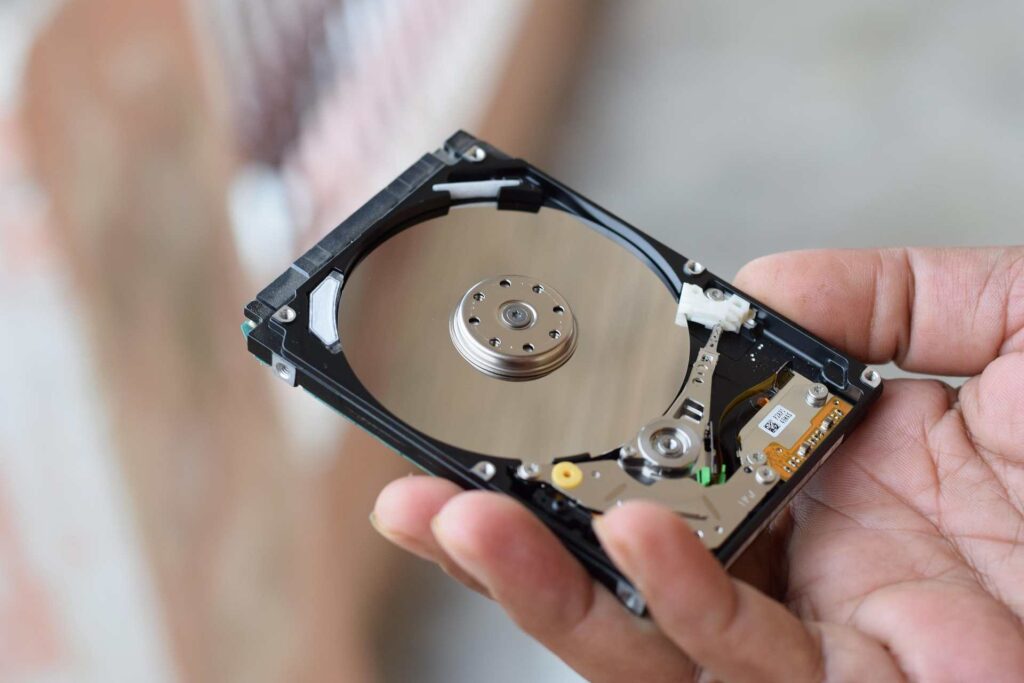
If there is single factor that pushes gamers to upgrade, it’s loading times. This is the one you feel every single session, over and over again.
I timed this myself once. Loading into a save file in a big open-world RPG took around 45 seconds on my old HDD. On an SSD? About 8 seconds. That’s not a small improvement — that’s a massive chunk of your gaming time given back to you.
Multiply that by every loading screen, every fast travel point, every match queue, across weeks and months of gaming, and you start to realize how much time an HDD was quietly stealing from you.
Some newer games are even starting to require SSDs for certain performance modes. Titles built around fast asset streaming — especially on next-gen consoles — genuinely struggle or refuse to run optimally on a traditional hard drive.
Game Installs, File Sizes and Storage Space

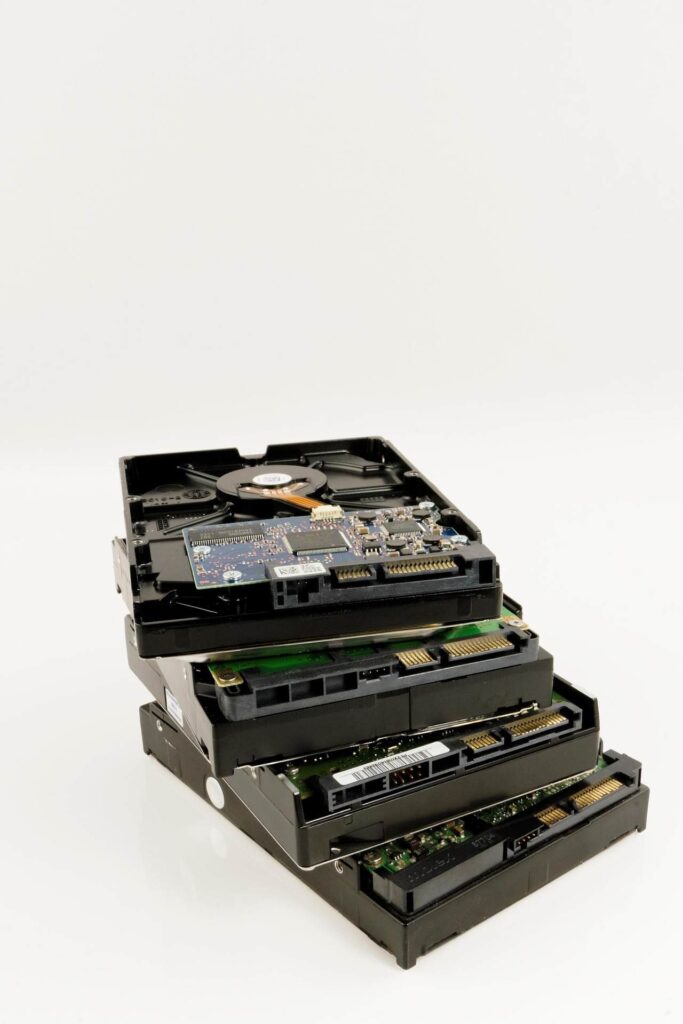
Now here’s the part where HDDs still hold some ground, and I want to be fair about it because this article isn’t meant to be an SSD sales pitch.
Modern games are absolutely massive. Some AAA titles now eat up 100GB or more of storage space on their own. If you have got a large game library storage capacity becomes a real concern.
HDDs are cheaper per gigabyte than SSD. You can grab 2TB or 4TB HDD for a fraction of what similarly sized SSD would cost. For gamers with huge libraries who don’t want to constantly uninstall and reinstall games that price per gigabyte gap matters.
This is actually why a lot of experienced PC gamers (myself included) run a hybrid setup:
- SSD for the operating system and the games you are actively playing
- HDD for older games, backups or titles you don’t touch often
It is a practical middle ground that gives you speed where it counts and cheap bulk storage where it doesn’t.
Durability and Reliability for Heavy Gamers

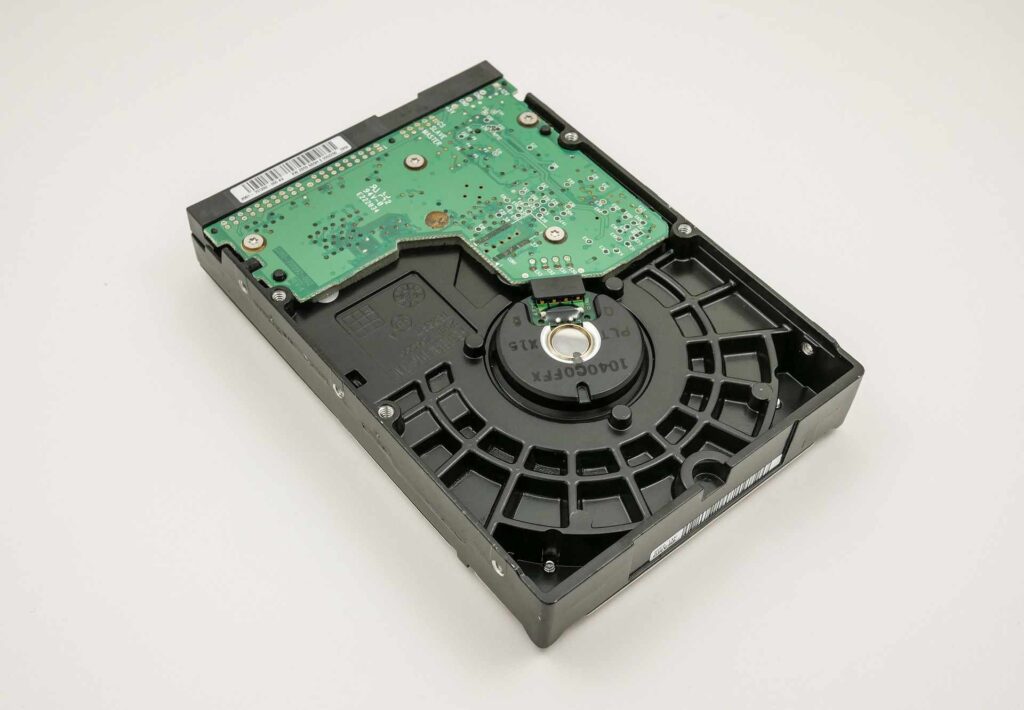
This one does not get talked about enough but it matters more than people think especially if you travel with your PC or laptop.
Because HDDs have physical moving parts, they’re more vulnerable to damage from drops, bumps or even just vibration over time. I’ve personally had an old external HDD start making a clicking noise after a fall from about waist height — never a good sign and usually means data loss is coming.
SSDs, having no moving parts, are much more shock-resistant. They also tend to run cooler and quieter, which is a nice bonus if your gaming setup is in a bedroom or shared space and you don’t want a mechanical hum in the background of every late-night session.
That said, SSDs aren’t immortal either — they have a limited number of write cycles. For the average gamer, though, this is rarely something you’ll actually run into within the drive’s realistic lifespan.
Price Comparison: Is the SSD Upgrade Worth It?

Let’s talk numbers, because I know budget is the real deciding factor for a lot of people reading this.
Generally speaking:
- HDDs cost less per gigabyte, making them better for bulk, low priority storage
- SSDs cost more per gigabyte but deliver dramatically better performance
- NVMe SSDs (an even faster type of SSD) sit at the top price-wise but offer the best speeds available
If you’re building or upgrading a gaming PC on a budget, my honest advice is this: prioritize a smaller SSD (even 500GB–1TB) for your operating system and your most-played games, and add a larger HDD later for everything else if you need more space.
You don’t have to choose one or the other exclusively — that’s a common misconception I see a lot of newer PC builders fall into.
Common Mistakes Gamers Make With Storage
After helping a few friends build their own gaming rigs, I’ve noticed the same storage mistakes come up again and again.
- Installing the OS on an HDD. This alone can make an entire PC feel sluggish even with a great graphics card.
- Buying way more storage than needed “just in case.” You end up paying for capacity you never use.
- Ignoring SSD type differences. Not all SSDs are equal — SATA SSDs are fast, but NVMe SSDs are significantly faster.
- Forgetting to enable TRIM or keep firmware updated. This can quietly hurt SSD performance and lifespan over time.
- Cloning an old HDD setup onto an SSD incorrectly which can carry over bad habits like excessive background processes.
Avoiding these mistakes alone can make a bigger difference.
My Honest Recommendation
If I’m being straight with you, as someone who’s used both extensively: for gaming specifically, SSD wins, no contest, when it comes to actual gameplay experience.
The reduced loading times, smoother performance and overall snappier feel of a system running on an SSD is something you notice within minutes of using it. It’s one of the best value for money upgrades you can make to a gaming setup, often more noticeable than a GPU upgrade for everyday use.
But — and this is important — HDDs still have a legitimate place for cold storage, backups or huge game libraries where cost-per-gigabyte matters more than raw speed.
My personal setup, and one I’d recommend to most gamers: a fast NVMe SSD for your OS and current games, paired with a larger HDD for everything else. Best of both worlds, without breaking the bank.
Future Outlook: Where Gaming Storage Is Headed
SSD prices keep dropping every year and NVMe just keeps getting faster with each generation. Honestly, HDDs might end up as more of a niche thing, mostly for archives and big backups.
Game development is also trending toward assuming SSD speeds as a baseline, especially with newer console generations building their entire asset-streaming systems around SSD performance. That trend is only going to push PC gaming further in the same direction.
If you are planning your next storage purchase with the next few years in mind leaning SSD first is a smart future proof move.
Conclusion
At the end of the day. Storage might not be flashiest part of a gaming setup but it quietly shapes every single session you play. I went years underestimating how much my hard drive was holding me back and switching to an SSD honestly reignited some of the fun I’d lost to endless loading screens and stutters.
If you’re on the fence, I’d say this: even a modest SSD upgrade for your OS and favorite games will make your gaming life noticeably better. Trust me, your future self — the one not staring at a loading bar while their squad gets wiped — will thank you.
Whatever you choose game on and enjoy the ride.
FAQ’s
Do I really need an SSD for gaming or is it just nice to have?
Depends on what you’re after but honestly, an SSD makes a real difference in every session. Faster loading, smoother gameplay, snappier system overall. You don’t need it to play games but if you want the best experience. It is best upgrade you can make.
Can I use both an SSD and HDD in the same gaming PC?
Yeah, totally and a lot of gamers actually do this. Put your OS and most-played games on the SSD for speed, and dump older games, backups, or media on the HDD since speed doesn’t matter as much there. Good mix of performance and affordable storage.
Will an SSD boost my FPS?
Not really — FPS mostly comes down to your GPU and CPU, not your storage. But an SSD can cut down on stuttering in open world games, which makes things feel smoother even if the frame rate number stay same.
How much storage do I actually need for gaming?
Depends on how many games you play, but I’d say go for at least 1TB if you’re into modern AAA titles — a lot of them are 50 to 100GB each now. A 500GB to 1TB SSD for your active games, plus an HDD for extra space, works well for most people.
Should I just add an SSD to my old PC, or build a whole new one?
If your CPU and GPU are still decent, just adding an SSD can seriously bring an old system back to life for pretty cheap. It’s usually one of the best-value upgrades before you go for a full rebuild, especially if loading times and lag are your main issue, not graphics power.